How Is the SASEUL Guardee Wallet Different From MetaMask? Keep SL in Guardee, Use MetaMask Only to Get Into Hyperliquid
How is the Guardee wallet different from MetaMask?
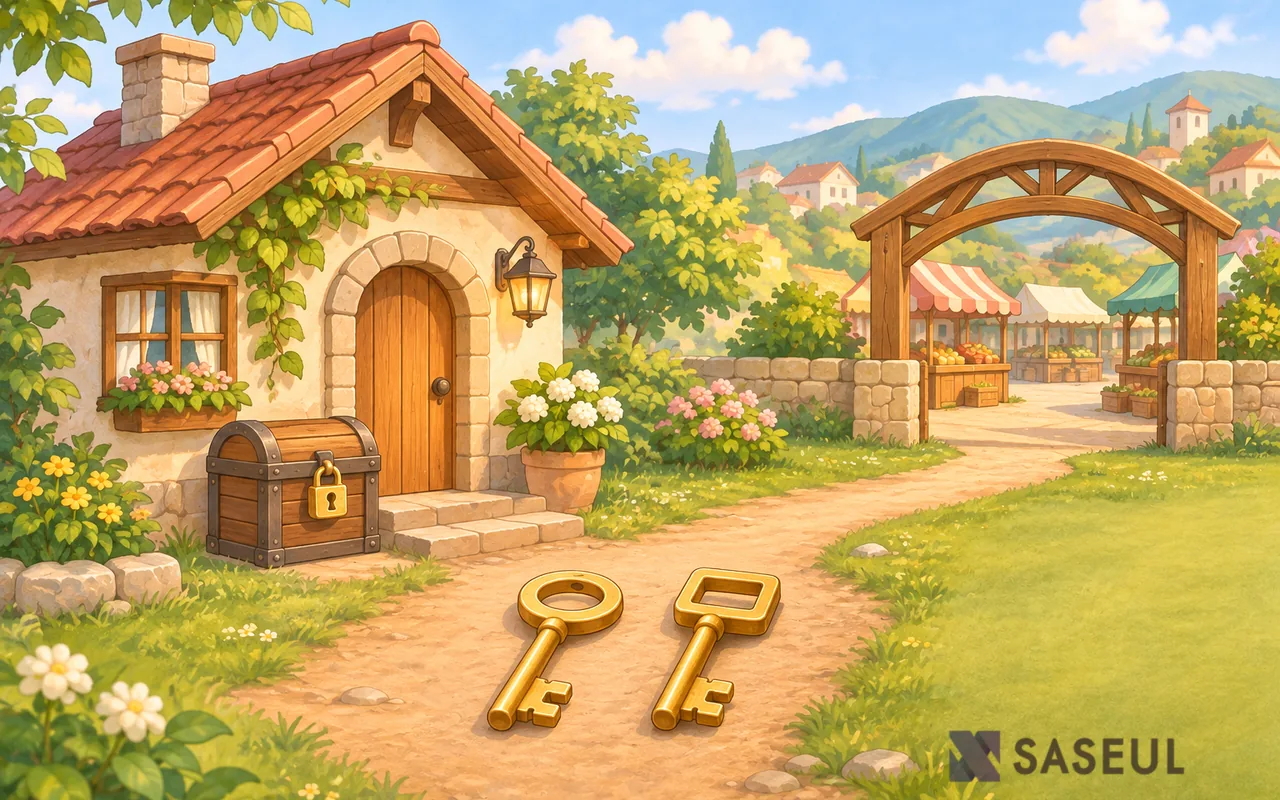
SL lives in Guardee, and MetaMask is the door into Hyperliquid
Guardee wallet
Holds SL on the SASEUL ledger
Lubics
Swaps SL between the two ledgers
MetaMask
The wallet that becomes your Hyperliquid account
Hyperliquid
SL/USDC trading
Guardee is the wallet that receives and sends SL on the SASEUL ledger, and MetaMask is a different wallet you use to get into Hyperliquid and Lubics. If you only want to hold SL, Guardee alone is enough. You only need to make a MetaMask wallet if you want to trade on Hyperliquid.
What SASEUL is lives in the SASEUL basics page. Hyperliquid and Lubics are covered in the SL trading on Hyperliquid post.
Guardee is the wallet for SL on the SASEUL ledger
Guardee is SASEUL's official wallet app. A new wallet format arrived with the June 19, 2026 overhaul notice (#80). Its recovery words (a set of English words that bring a wallet back) are drawn from a human-reviewed list of 4,096 words, and the notice says it is a Guardee-specific format that is not compatible with standard recovery words.
Support for Bitcoin (BTC) and Ethereum (ETH) ended in the same overhaul (notice #81). How to make one is in the Guardee wallet setup post, and how to restore one is in the Guardee wallet restore post.
MetaMask is the wallet that becomes your Hyperliquid account
On Hyperliquid, the wallet you connect is your account, so there's no separate sign-up. You click "Connect" with MetaMask, sign, and that wallet becomes your account. Lubics (the place that swaps SL on the SASEUL ledger with SL inside Hyperliquid) is used by connecting the same wallet.
That SL trades on Hyperliquid and can be swapped through Lubics is in SASEUL's official notice #87 (2026-10-24). It also says the trading is run separately from the SASEUL team. MetaMask is a wallet that exists apart from SASEUL, and you get it at metamask.io/download. The steps to make one are in the part 1 of 5 MetaMask post.
| Guardee | MetaMask | |
|---|---|---|
| What it does | Receives and sends SL on the SASEUL ledger | Connects to Lubics and Hyperliquid and signs |
| Where to get it | guardee.io, app stores | metamask.io/download |
| Recovery words | Guardee-specific format (new wallets show 16 words on screen, per the Guardee wallet setup post) | The words MetaMask's screen shows you |
| Posts on this blog | Wallet setup, wallet restore | Part 1 of 5, MetaMask setup |
Where do mix-ups happen when you use both wallets? The receiving address and the recovery words
Mistakes tend to happen in three places. The screen steps are what this blog followed by hand; the address warning comes from Lubics's official notice.
- Receiving address: When you get SL back through Lubics, put your Guardee wallet address in the receiving field. Lubics's risk notice says that if you enter a wrong SASEUL address, the SL goes to that address and cannot be brought back (Lubics risks, checked 2026-11-16; screen steps in the Lubics withdrawal post).
- Hyperliquid login: If you get in with email, the address differs from your MetaMask one, and the SL you moved won't show up. Pick the same MetaMask you connected before (Lubics deposit post, checked 2026-10-27).
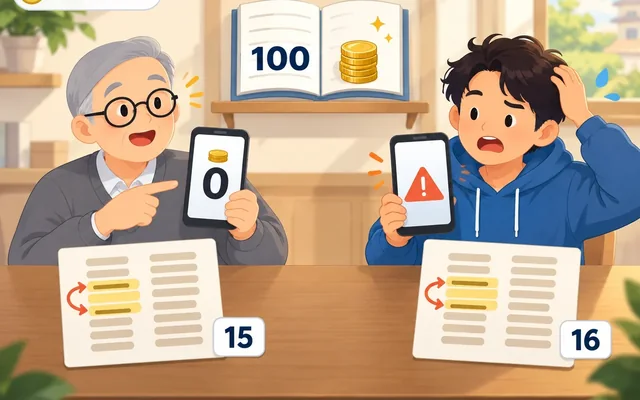
- Recovery words: Notice #80 says Guardee's words use a Guardee-specific format that isn't compatible with standard recovery words. So it's safer not to expect another wallet app to restore a Guardee wallet. Using each wallet's words only in the app that made that wallet is the better habit.
So what should I do? Keep SL in Guardee, and make MetaMask only when you need it
- If you only want to hold SL, start with one Guardee wallet. If you don't have one yet, follow the Guardee wallet setup post
- When you want to use Hyperliquid or Lubics, make a MetaMask wallet separately. Keep a separate recovery-word sheet for each wallet, and write on the outside which wallet it belongs to
- When you get SL back through Lubics, put your Guardee address in the receiving field, and compare the full address with the app screen (Lubics's risk notice also says not to check only the first and last characters)
- Don't type recovery words into any screen except when you create or restore a wallet. If someone says they'll move your coins for you and asks for your words, it's safer to say no (safety checklist post)
- Notice #87 says there may be other tokens with similar names. Go in only through the address written in SASEUL's official notice
Sources
- SASEUL official Telegram · notice 80 (Guardee overhaul: 4,096-word list for new wallets, Guardee-specific format, not compatible with standard recovery words) · 2026-06-19, original text checked 2026-11-15
- SASEUL official Telegram · notice 81 (end of BTC and ETH support) · 2026-06-19, original text checked 2026-11-15
- SASEUL official Telegram · notice 87 (SL trading starts on Hyperliquid, Lubics swap, run separately from the SASEUL team, watch for similar names) · 2026-10-24, original text checked 2026-11-15
- Guardee wallet setup, Guardee wallet restore · this blog, 2026-11-04, 2026-09-27
- Part 1 of 5, MetaMask wallet setup, Lubics deposit, Connect Hyperliquid wallet, Lubics withdrawal · this blog, 2026-10-26 to 30 (tried and checked by hand)
- Lubics · Risks (a wrong SASEUL address sends the SL there and it can't be reversed) · checked 2026-11-16
- MetaMask download · official download page
This is general information, not investment advice. I hold SL. I read SASEUL's official notices #80, #81 and #87 myself on November 15, 2026, and the Lubics and Hyperliquid screens follow what this blog tried and checked by hand in its October 2026 posts.