Is my SASEUL SL safe right now? A 7-point, 5-minute check for wallets, withdrawals and scam contacts

Is my SASEUL SL safe right now?
If you can answer 'yes' to all seven, the big holes are closed
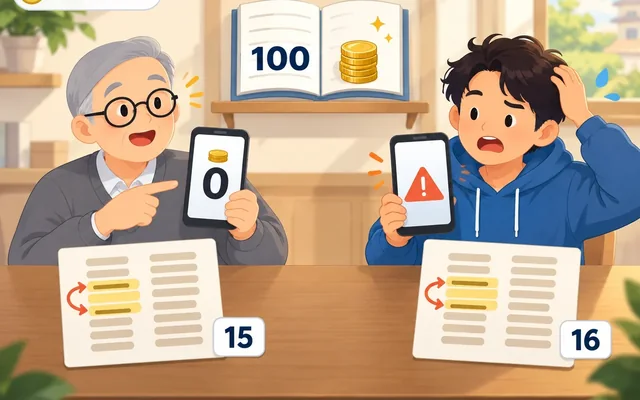
Recovery phrase
On paper only, not in photos or chat apps
See it yourself
Check your balance on the bookmarked explorer
Contacts and family
Don't answer people who reach out first
If you can say "yes" to all seven questions, the big holes around your SASEUL coins (SL) are closed. If there's even one "no", start with that one.
The heaviest one is the recovery phrase. SASEUL's official FAQ says that if you lose your wallet, there's no way to restore it or help you. Not even the people who made it can bring it back, so you're the only one guarding it.
How many of the seven can you answer "yes"? Go through them one by one
Grab a pencil and write "yes" or "no" for each line. It takes 5 minutes.
| # | Ask yourself | If "no", look here |
|---|---|---|
| 1 | Have you written your recovery phrase on paper, with each word numbered? | Guardee wallet restore post |
| 2 | Is that phrase kept out of photos, chat apps, notes apps and the cloud? | Points 1 and 2 below |
| 3 | Have you bookmarked the official addresses? | SASEUL official channels |
| 4 | Do you know how to put your address into the explorer and see your balance yourself? | Steps under point 4 below |
| 5 | Do you ignore contacts that reach out first saying "support agent" or "wallet check"? | If your coins never arrived |
| 6 | If you have SL left on an exchange, do you read that exchange's notices yourself? | BitMart withdrawal post |
| 7 | Have you agreed with your family what to do if someone urgently asks for money? | Point 7 below |
If you don't have any SL sitting on an exchange, count number 6 as "yes".
Checks 1 and 2: the recovery phrase should only exist on paper
The recovery phrase (the set of English words that restores your wallet) is the real key to your wallet. In notice #57 on May 16, 2024, the SASEUL team said it doesn't keep users' private keys (your wallet's password and signature stamp in one). That's why it asked people to write down the recovery phrase and private key separately.
On the paper, number the words in order and write down how many words there are too. Since notice #80 on June 19, 2026, new Guardee wallets use a 4,096-word list, and the old Classic wallets keep working. Word counts and storage tips are in the Guardee wallet restore post.
It's better not to keep it in photos, in a message to yourself on KakaoTalk (Korea's most widely used messaging app, like WhatsApp), in a notes app or in the cloud. If your phone or account gets broken into, the words leak with it. This isn't from the notices, it's the usual advice wallet apps give.
Check 3: go to official addresses through bookmarks, not search
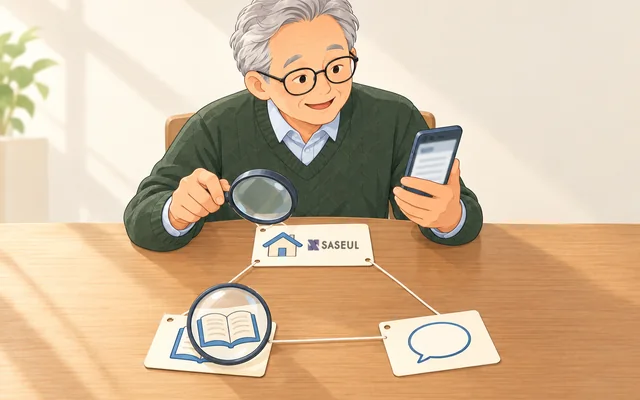
Links in search results or text messages can lead to fake sites. Check the official address once and bookmark it, and that worry gets smaller.
| What | Address |
|---|---|
| Official site | saseul.com |
| Official block explorer (the official site that lets anyone look at the ledger) | explorer.saseul.com |
| Official notices (Telegram) | t.me/s/saseul_notice |
On October 9, 2026, the top of the official explorer had Node Install, Wallet, Github and Telegram buttons. The bottom of the official site also had Notice, Wallet and Block Explorer links. Get the wallet app by following that Wallet link.
Check 4: put your address into the explorer and your balance shows right away
The explorer you open yourself is more accurate than a screenshot someone sends you. The official FAQ also says the SASEUL ledger is a record anyone can view.
- Copy your wallet address (something like an account number for receiving coins) from the Guardee wallet
- Go to your bookmarked explorer.saseul.com
- Paste the address into the search box at the top (Search by tx hash / address) and search
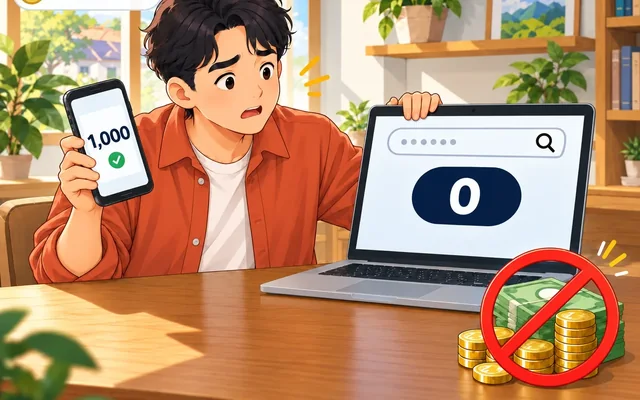
- "SL Balance" on the address page is the SL balance at that address. Check that it matches the number in your wallet app
- Look at the "Transaction History" table below to see what came in and went out, and when

What the fields on the address page mean (screen as of October 9, 2026)
- Address: the address you searched (example: xxxx…xxxx, shown hidden)
- SL Balance: the SL balance at that address
- Resource: your share from mining. It has to go through Refine (converting) to become SL (official FAQ)
- Last transaction: the last transaction and how long ago it was
- Transaction History: the transaction table. Columns are Txhash (transaction ID), Age (how long ago), Type, From (sending address), To (receiving address)
- Click All · Send · Refine · NFT above the table to see them by type
One thing to be careful about. Anyone who knows an address can see its balance and history. So it's better to hide your address when you post a screenshot. That said, an address alone doesn't tell anyone who owns it (explorer myth post).
Check 5: if a "support agent" contacts you first, don't answer
The team has no reason to ask for your recovery phrase. The team doesn't keep private keys (notice #57) and has said there's no way to help if you lose your wallet (official FAQ). So a message asking for your words for a "wallet check" or "help with recovery" doesn't add up.
The excuses change. Notice #68 on September 22, 2025 said many people lost money because of false information and pressure around the hard fork (after the hard fork post). I think it's better not to trust anyone who takes your money first by saying "we'll give it to you after the hard fork". The US FBI also advises not to share sensitive information with someone you've only met online or over the phone.
Since notice #87 on October 24, 2026 said SL started trading on Hyperliquid, you may get messages saying "we'll move your SL to Hyperliquid" or "we'll swap it for you" and asking for your recovery words or money. The exchange window that notice pointed to is Lubics. The steps are in the send to Lubics post and the get it back to SASEUL post. You connect your own wallet directly there, so even if someone says "we'll move it for you" and asks for recovery words or money, I'd suggest not giving them.
If you've already sent money or coins, see how to report it in the If your coins never arrived post. How to check the 7 things before a private trade, and the suspension of escrow at SASEUL EX (a Korean Naver Cafe community), are in the storage and private trading post.
Check 6: check SL left on an exchange only through the exchange's notices
SL you've left on an exchange usually sits at an address on the exchange's side. So searching your own wallet address won't show it. You need to log in to the exchange's official site yourself and look at your balance and withdrawal history.
If you still have SL on BitMart, read the BitMart withdrawal post and the how much would you get back post first. As those posts say, it's better not to go along with anyone saying "pay a fee first and we'll get it out for you".
Hyperliquid is not a place where a company holds your coins. You connect your own wallet to use it. Buying and selling is in the Hyperliquid buy and sell post.
Check 7: agree on "hang up and call back" with your family to stop voice scams
There's a trick where AI imitates a family member's voice to ask for money urgently. In an advisory on December 3, 2024, the US FBI warned about this and suggested families agree on a secret word to check with. It also said to hang up and call back yourself on a number you know.
The shorter the rule, the better. Two lines are enough: "If it's about money or coins, hang up and call back" and "If they can't say the secret word, don't send anything". It'd also be good to decide together whether one family member you trust should know where the recovery phrase paper is.
So what should you do? Fix the "no" answers one at a time, starting today
- If your recovery phrase is in a photo, chat app or notes app, copy it onto paper and delete it. After copying, test that you can restore from the paper alone while your old phone still works
- Bookmark saseul.com, explorer.saseul.com and t.me/s/saseul_notice
- Search your address on the explorer once and check that SL Balance matches your wallet app
- Don't answer "support agent" or "wallet check" contacts that come first. Just check whether the same message is on the notice channel
- If you have SL left on an exchange, log in to that exchange yourself and download your withdrawal history
- This evening, agree on "hang up and call back" and a secret word with your family
If you've had a similar contact, let me know through the tip page as "possible scam". What kind of coin SASEUL is, is on the SASEUL basics page.
Sources
- SASEUL official Telegram notice #57 · Mainnet 2nd anniversary, private keys are not kept, reminder to store the seed and private key separately · 2024-05-16, checked 2026-10-09
- SASEUL official Telegram notice #68 · Warning that many people lost money due to false information and pressure around the hard fork · 2025-09-22, checked 2026-10-09
- SASEUL official Telegram notice #80 · Guardee update (new wallets with a 4,096-word list, old Classic wallets keep working) · 2026-06-19, checked 2026-10-09
- SASEUL official Telegram notice channel · checked 2026-10-09
- SASEUL official Telegram notice #87 · SL/USDC spot trading started, Lubics exchange window · 2026-10-24
- SASEUL official site FAQ ("Can a lost SASEUL wallet be recovered?", security and management are the user's own responsibility, the ledger is a record anyone can view, Resource and Refine, Notice · Wallet · Block Explorer links at the bottom) · checked 2026-10-09
- SASEUL official explorer front page (Node Install · Wallet · Github · Telegram buttons at the top, search box "Search by tx hash / address") · checked 2026-10-09 13:44
- SASEUL official explorer address page (fields Address, SL Balance, Resource, Last transaction, Transaction History, All · Send · Refine · NFT) · checked 2026-10-09 13:44. I only looked at the page layout using an address already shown in a public post, and the address isn't included here
- FBI Internet Crime Complaint Center (IC3) · "Criminals Use Generative Artificial Intelligence to Facilitate Financial Fraud" (imitating family voices, a family secret word, hanging up and calling back yourself, not sharing sensitive information with people met only online or by phone) · 2024-12-03, checked 2026-10-09
I hold SL. I opened and checked the original SASEUL notices, FAQ and explorer, and the FBI advisory, myself on October 9, 2026, and notice #87 is the October 24, 2026 notice. The BitMart details follow this blog's earlier posts (checked 2026-09-27).