#WalletRecovery
Issues · 3 posts
Since its June 19, 2026 revamp, SASEUL's official wallet app Guardee has two kinds of wallet: new wallets (16 words drawn from a 4,096-word list) and old Classic wallets (15 words). Recovery words for new wallets only work in Guardee, not in other wallet apps. If you lose both your recovery words and your private key, not even the company behind the app can restore the wallet.
Posts on this issue (newest first)
-
Is my SASEUL SL safe right now?
A 7-point safety checklist SASEUL coin (SL) holders can run on their own in 5 minutes. Storing the recovery phrase, bookmarking the official addresses, checking your balance on the explorer, fake support contacts, SL left on an exchange, and a family emergency rule. Checked against official notices and the official explorer on October 9, 2026.

-
Restored Your SASEUL Guardee Wallet but an Empty Wallet Showed Up?
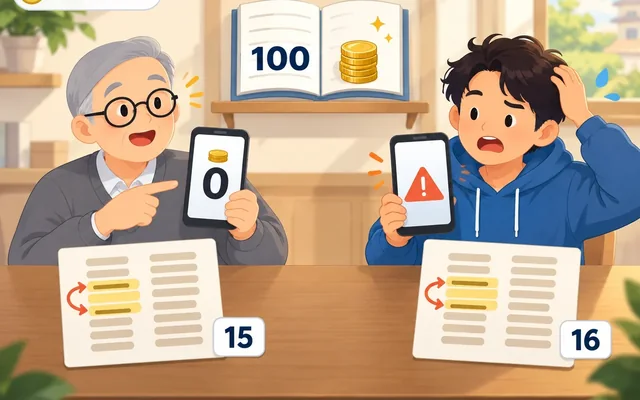
If you restore your Guardee wallet and an empty wallet shows up, go back over the word count, the order and the spelling, one word at a time. With an old Classic wallet made before June 19, 2026 (15 words), even one wrong word opens a new empty wallet, made differently from your original, with no error. Your original wallet and its SL are still on the record book. The new wallet uses 16 words picked from a 4,096-word list. If you lose your recovery phrase, not even the company that made the app can bring it back.
-
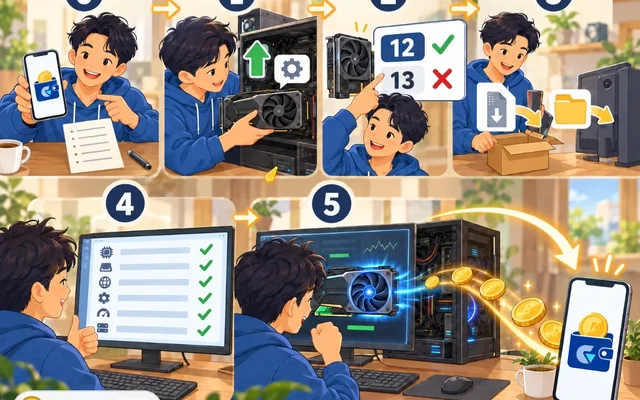
SASEUL (SL) Mining Setup on an NVIDIA GPU, Steps and the Common CUDA Snag
Mine SASEUL on one NVIDIA GPU: make a wallet address, install the driver and the right CUDA, enter the address and start. GTX 10 series cards need CUDA 12.